

Skip to content

Documents

Every page finds its patient.

Every document in the right record.

Letters, scans and reports: which patient, what did it find, where does it go. The assistants take over the reading, and the documents desk checks and files each item.

What the documents desk asks

Every page that enters the clinic raises the same questions. Here is where each answer comes from.
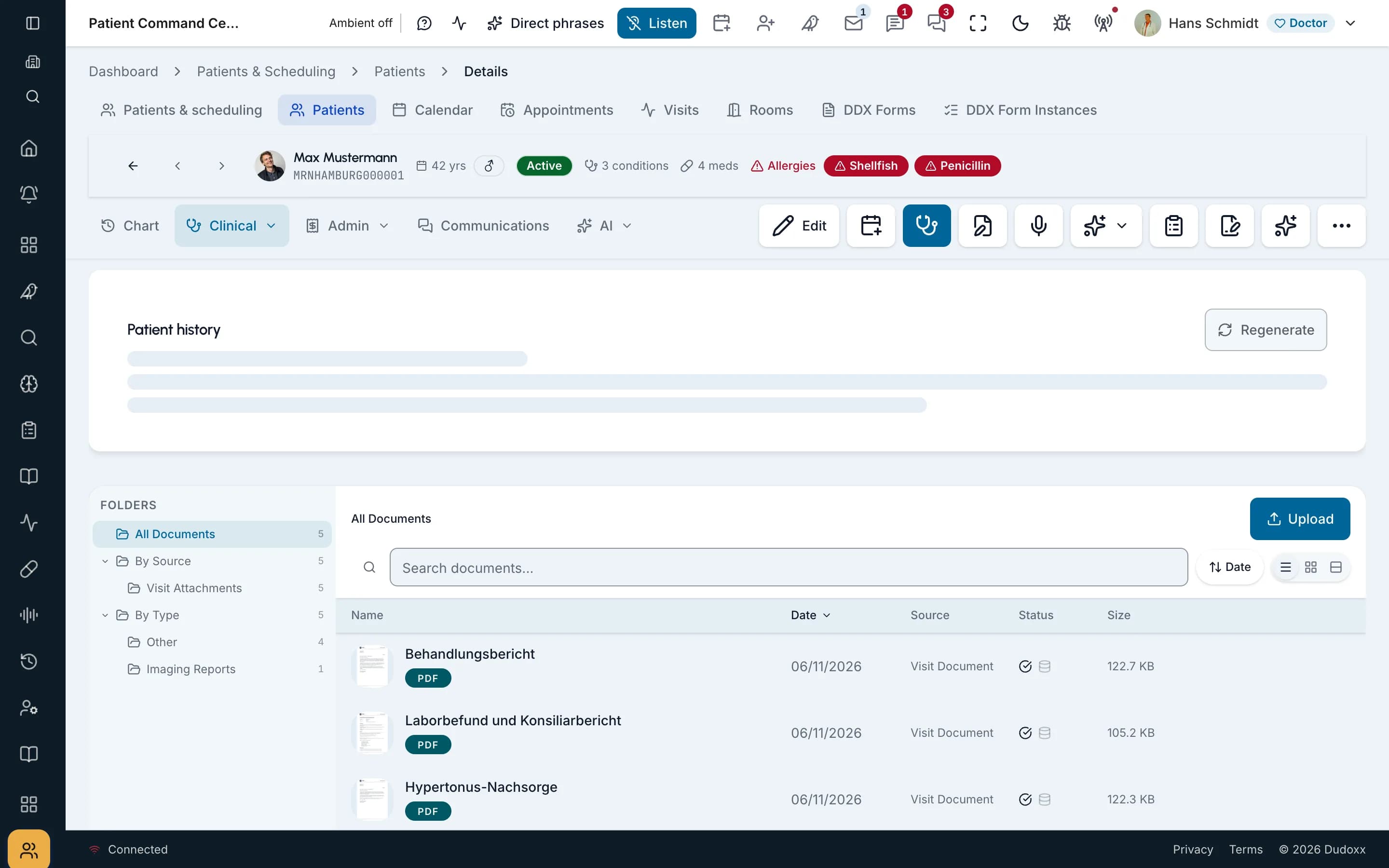
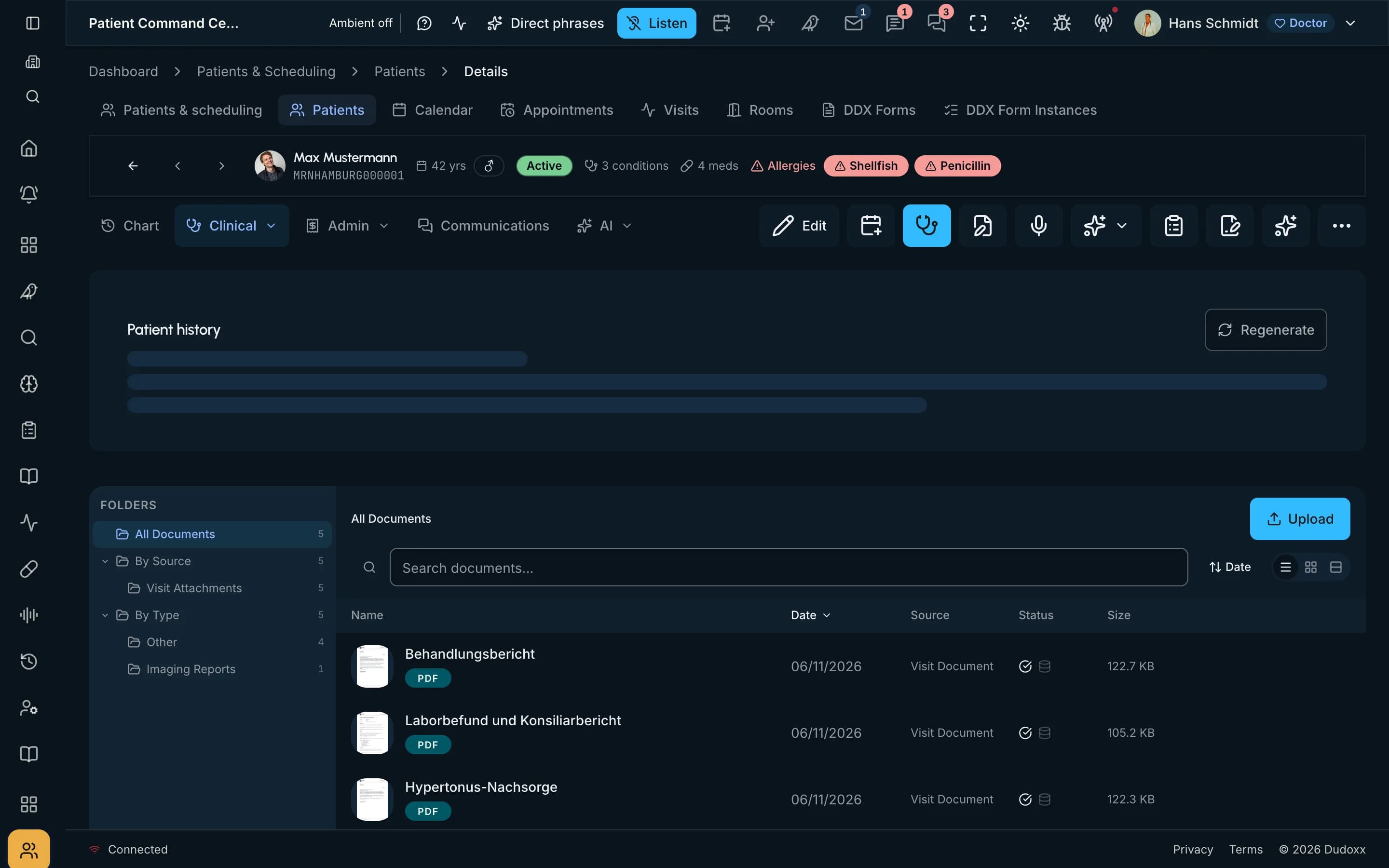
  1. The document list of a synthetic patient in a demo clinic: folders, the files and where each came from.The document list of a synthetic patient in a demo clinic: folders, the files and where each came from.

    On the screen

    1. Whole screen
    2. Zoom in
    3. Move across
    Real screenThe document list of a synthetic patient in a demo clinic: folders, the files and where each came from.

    Which patient is this for?

    Scanned paper is read and filed to the patient record. Staff check the match instead of searching for it.

  1. What did it find?

    Dudoxx reads printed documents, so a scanned letter becomes text the team can read in the record, not an image in a tray.

  2. Where does it go?

    Incoming correspondence is sorted and routed to the right patient and desk, so it does not wait in a general inbox.

  3. Who writes the reply?

    Documents are drafted from templates and visit data, and the doctor reviews them and signs off.

  4. Which format does it need?

    Output comes as PDF and HTML, ready to send, print or file to the record.

Every page joins the record

Scans, mail and drafts all end in the same patient record, where every desk finds them.

Document intake: from a scanned letter to the patient record, with a human check A letter arrives by scan, upload or email; every page is read by text recognition; Condor drafts the findings for review; the persons are matched against the clinic; the document and the confirmed findings are filed to the patient record. Only one strong match files automatically; an ambiguous or missing match goes to staff review, and staff confirm before filing. persons + findings 1 strong match · auto ambiguous / none staff confirms Staff review ambiguous or no match Letter arrives scan · upload · email 1 Every page read text recognition (OCR) 2 Condor Findings drafted AI extraction · for review 3 Patient matched scored against the clinic 4 Filed to record document + confirmed findings 5 lands in the record human checkpoint arrives automatic step needs review
Document intake: from a scanned letter to the patient record, with a human check A letter arrives by scan, upload or email; every page is read by text recognition; Condor drafts the findings for review; the persons are matched against the clinic; the document and the confirmed findings are filed to the patient record. Only one strong match files automatically; an ambiguous or missing match goes to staff review, and staff confirm before filing. page images text + layout persons + findings ambiguous / none 1 strong match · auto staff confirms Letter arrives scan · upload · email 1 Every page read text recognition (OCR) 2 Condor Findings drafted AI extraction · for review 3 Patient matched scored against the clinic 4 Staff review ambiguous or no match Filed to record document + confirmed findings 5 lands in the record human checkpoint arrives automatic step needs review

Document intake in five steps: a letter arrives, every page is read, findings are drafted, the patient is matched, and the document is filed to the record. An unclear match goes to staff for review.

Open the full diagram (opens in a new tab)
Letter generation: every section written in parallel, checked, and approved by the doctor The doctor picks a letter template for a visit or patient, or asks Condor; the patient data is gathered once per letter; every template section is written at the same time by one section workflow (patient data, tools, write, check data, layout, language and style, save), with repair of failed checks up to three passes. The doctor reviews, edits or regenerates a section with an instruction; a late lab result reopens the review. On approval the branded PDF is filed and a follow-up to-do, “Send report to referrer”, is created for pack referral letters; the doctor sends the letter by secure email. draft ready approve on approval doctor sends Sent to the referrer doctor clicks send secure email · audited Follow-up to-do “Send report to referrer” pack rule · referral letters or ask Condor Doctor picks a letter template · visit or patient 1 Patient data gathered once per letter · current values 2 Sections written all in parallel · then checked 3 Doctor reviews edits · regenerates a section a late lab result reopens it 4 Letter approved branded PDF · in the record 5 regenerate a section + instruction 3 ONE SECTION WORKFLOW · RUNS ONCE PER SECTION, ALL AT THE SAME TIME patient data tools write check data check layout check language check style save A failed check repairs only the faulty span and checks again (up to 3 passes). A section that still fails is marked; it never blocks the rest of the letter. target 60 s per letter · hard stop 120 s · older templates still on the previous engine the approved letter doctor decides starts here automatic step doctor action
Letter generation: every section written in parallel, checked, and approved by the doctor The doctor picks a letter template for a visit or patient, or asks Condor; the patient data is gathered once per letter; every template section is written at the same time by one section workflow (patient data, tools, write, check data, layout, language and style, save), with repair of failed checks up to three passes. The doctor reviews, edits or regenerates a section with an instruction; a late lab result reopens the review. On approval the branded PDF is filed and a follow-up to-do, “Send report to referrer”, is created for pack referral letters; the doctor sends the letter by secure email. template + anchor one data snapshot draft ready approve on approval regenerate a section + instruction doctor sends or ask Condor Doctor picks a letter template · visit or patient 1 Patient data gathered once per letter · current values 2 Sections written all in parallel · then checked 3 Doctor reviews edits · regenerates a section a late lab result reopens it 4 Sent to the referrer doctor clicks send secure email · audited Letter approved branded PDF · in the record 5 Follow-up to-do “Send report to referrer” pack rule · referral letters 3 ONE SECTION WORKFLOW · RUNS ONCE PER SECTION, ALL AT THE SAME TIME patient data tools write check data check layout check language check style save A failed check repairs only the faulty span and checks again (up to 3 passes). A section that still fails is marked; it never blocks the rest of the letter. target 60 s per letter · hard stop 120 s · older templates still on the previous engine the approved letter doctor decides starts here automatic step doctor action

A letter or report in five steps: the doctor picks a letter, patient data is gathered, the sections are written in parallel and checked, the doctor reviews, and the letter is approved.

Open the full diagram (opens in a new tab)

Questions and answers

Bring your overnight stack

Book a demo and we walk through a documents morning with you, or follow one whole day through the clinic.