
Skip to content

Reception

Reception gets its answers without phoning round.

At the reception desk.

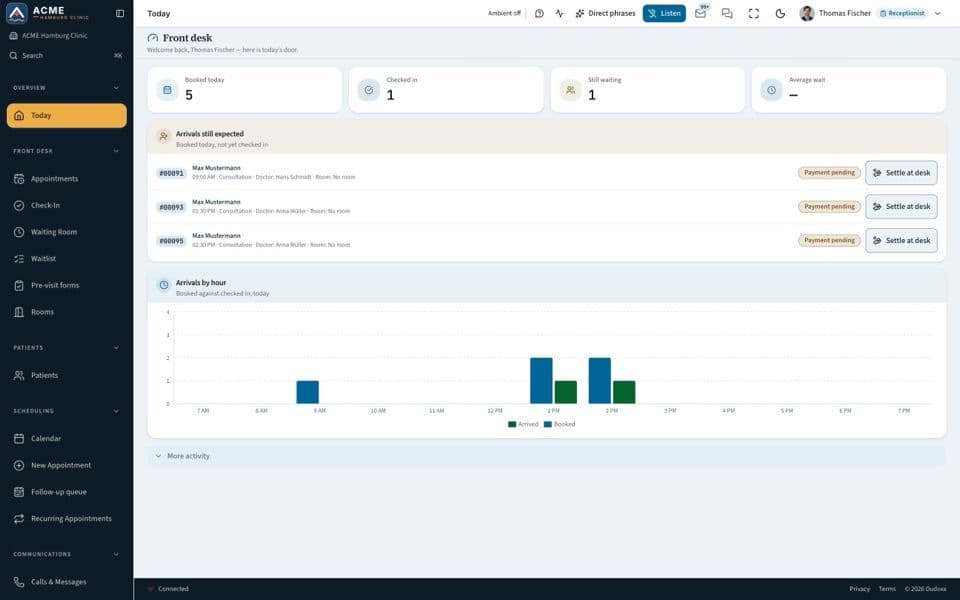
Who is next, is the form complete, which room is free: reception reads the answers from the patient record and the day's schedule, in one workspace, instead of phoning, searching and re-typing.

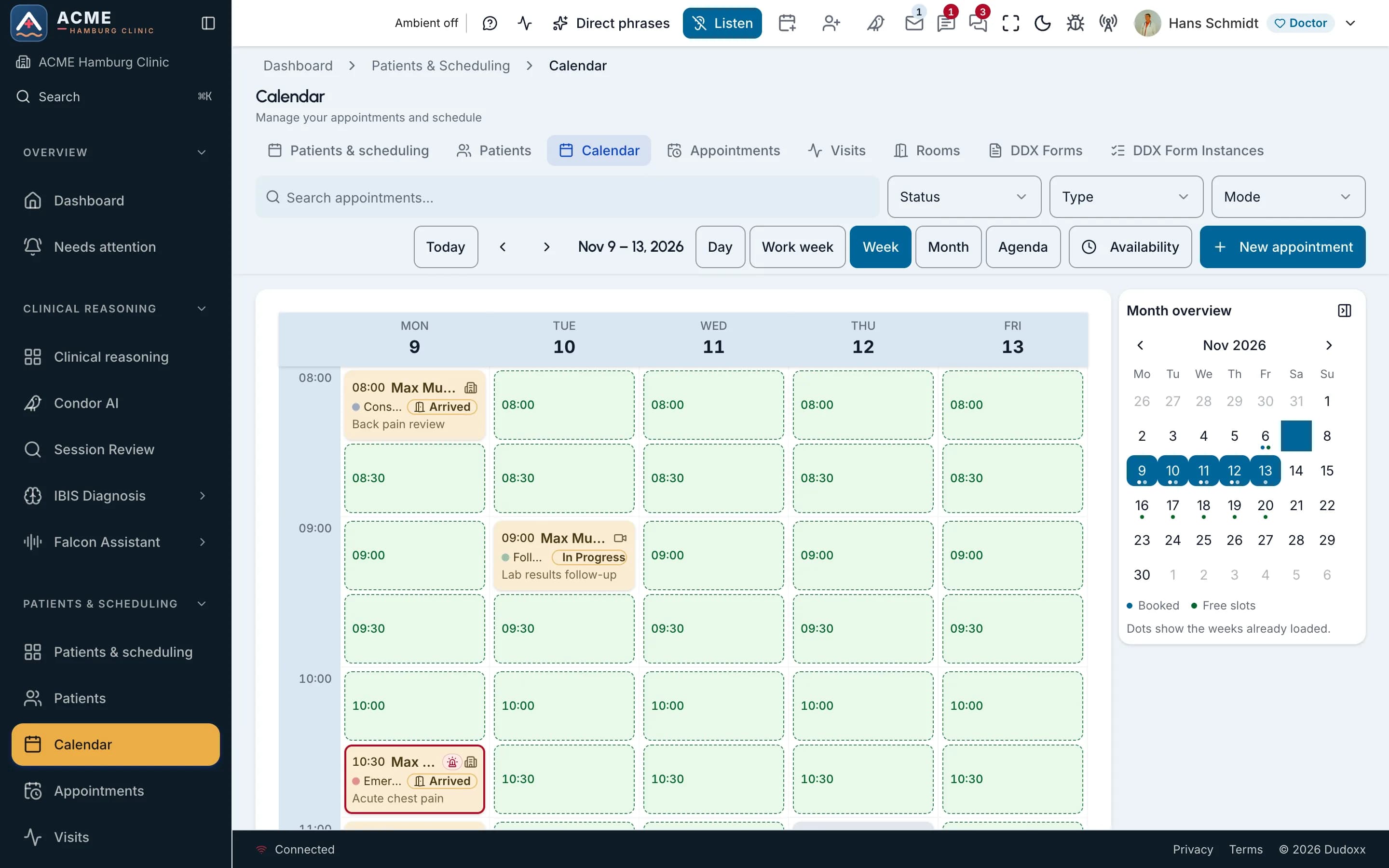
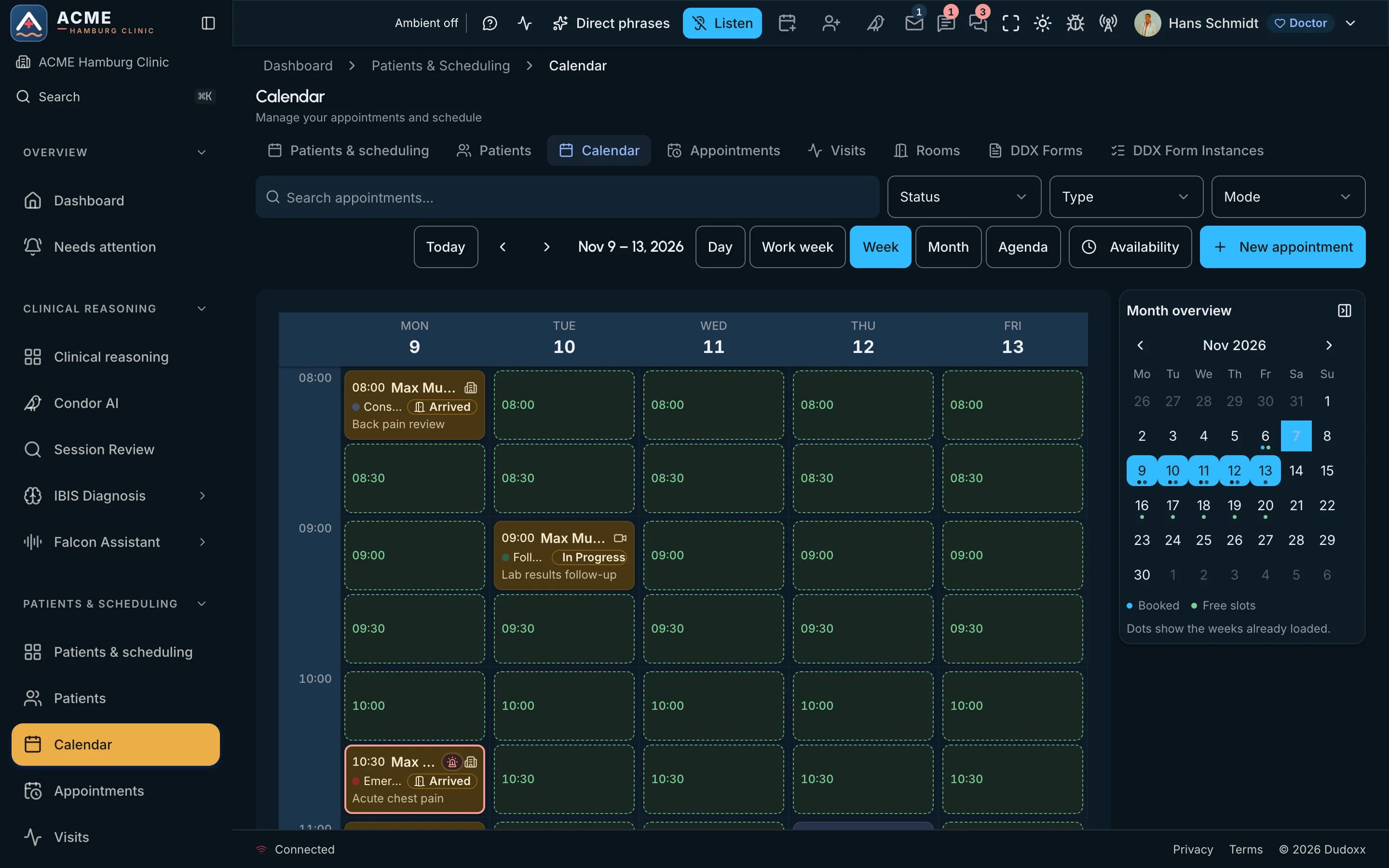
The week calendar of a demo clinic: booked visits with their status beside the free slots.The week calendar of a demo clinic: booked visits with their status beside the free slots.

On the screen

  1. Whole screen
  2. Zoom in
  3. Type
  4. Click
Real screenThe week calendar of a demo clinic: booked visits with their status beside the free slots.

What reception asks every day

Every morning brings the same questions. Here is where each answer comes from.

  1. The week calendar of a demo clinic: booked visits with their status beside the free slots.The week calendar of a demo clinic: booked visits with their status beside the free slots.

    On the screen

    1. Whole screen
    2. Zoom in
    3. Move across
    Real screenThe week calendar of a demo clinic: booked visits with their status beside the free slots.

    Who is next?

    The day's schedule lives beside the record, so the next patient, the reason for the visit and the open forms show up together.

  1. Is the insurance still valid?

    The registration details sit in the patient record, in the same workspace as the appointment, so reception checks them at the desk instead of calling back.

  2. Is the form complete?

    Patients answer intake forms through a secure guest link before they arrive, with no app to install. Reception sees what came back and what is still open.

  3. Which room is free?

    Consultation rooms are part of the day's schedule, so a free room is a glance at the screen, not a walk down the corridor.

  4. Who wrote in overnight?

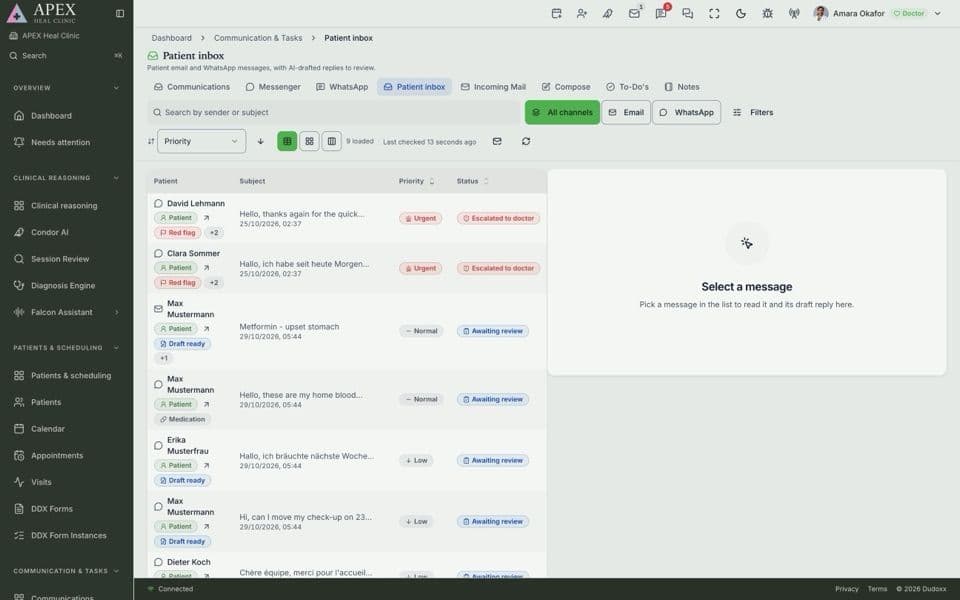
    Parrot sorts patient messages by what they need, so the inbox starts the day in order.

Watch how it works

A narrated tour of the real screens, chapter by chapter.
The receptionist

The front desk: book and confirm, check patients in, take payment, call them and send them to a room.

Narrated in: English14 chapters

More manuals

All manuals

Reception reads the record

The schedule, the intake forms and the patient record are one source: what reception sees is what the doctor and the accountant see.

A morning at reception: check-in, forms before arrival, the day’s schedule, sorted messages and follow-ups Five steps at reception. Check-in and coverage are one screen. Patients answer forms before arrival through a guest link, a QR code or a kiosk, with no app to install. The day’s schedule lives in the same workspace as the record, so a late doctor or a cancelled slot shows for every desk at once. Parrot sorts patient messages so the urgent ones are answered first. Follow-ups are prepared from the record and reception checks them. Check-in and coverage one screen, not three 1 Forms before arrival guest link, QR code or kiosk, no app to install 2 The day’s schedule a late doctor shows for every desk at once 3 Parrot Messages sorted Parrot sorts by need, urgent ones first 4 Follow-ups checked prepared from the record, reception checks them 5 a person checks

A morning at reception in five steps: check-in and coverage, forms before arrival, the day’s schedule, sorted patient messages and follow-ups.

Open the full diagram (opens in a new tab)
Intake forms: filled before the visit, approved by staff, then written to the record The clinic sends a bundle of forms and consents with a link by email or SMS. The patient fills it in one of four ways: in the signed-in portal, by QR code on a phone, on a clinic tablet at reception, or through a guided link that asks step by step. QR and tablet links first check the date of birth and close after five wrong answers. Every channel writes the same form, and the first submit wins. Signed forms are sealed with a hash and archived as a PDF in the patient's documents. Staff review and approve the answers; only then are the bound answers, such as allergies, medication and findings, written to the patient record. to staff review approved signed forms Signed copy archived answers sealed with a hash · PDF in the patient's documents Bundle sent forms + consents link by email or SMS 1 Filled in in one of four ways 2 Submitted once same form, any channel first submit wins 3 Staff approve reviewed by the team approval locks it 4 Into the record bound answers only allergies · meds · findings 5 2 FILLED IN ONE OF FOUR WAYS already signed in In the portal signed in · any screen QR on the phone scan · no account Clinic tablet kiosk at reception signed invite Guided link step by step Identity check QR and tablet links: date of birth first, 5 misses close it starts here human or identity check kept as evidence lands in the record next step
Intake forms: filled before the visit, approved by staff, then written to the record The clinic sends a bundle of forms and consents with a link by email or SMS. The patient fills it in one of four ways: in the signed-in portal, by QR code on a phone, on a clinic tablet at reception, or through a guided link that asks step by step. QR and tablet links first check the date of birth and close after five wrong answers. Every channel writes the same form, and the first submit wins. Signed forms are sealed with a hash and archived as a PDF in the patient's documents. Staff review and approve the answers; only then are the bound answers, such as allergies, medication and findings, written to the patient record. link signed forms to staff review approved Bundle sent forms + consents link by email or SMS 1 Filled in in one of four ways 2 Submitted once same form, any channel first submit wins 3 Signed copy archived answers sealed with a hash · PDF in the patient's documents Staff approve reviewed by the team approval locks it 4 Into the record bound answers only allergies · meds · findings 5 2 FILLED IN ONE OF FOUR WAYS already signed in In the portal signed in · any screen QR on the phone scan · no account Clinic tablet kiosk at reception signed invite Guided link step by step Identity check QR and tablet links: date of birth first, 5 misses close it starts here human or identity check kept as evidence lands in the record next step

Forms before the visit in five steps: the bundle is sent, the patient fills it in one of four ways and submits it once, staff approve, and the answers go into the record. The signed copy is archived.

Open the full diagram (opens in a new tab)

Questions and answers

Bring your front desk's questions

Book a demo and we walk through a reception morning with you, or follow one whole day through the clinic.