

Skip to content

Platform · Scheduling and front desk

Who is next, and is everything ready?

The calendar fills itself in order.

Reception answers that question from one screen. Scheduling sits in the same workspace as the patient record, so bookings, answered forms and payments are already in place when the patient walks in.
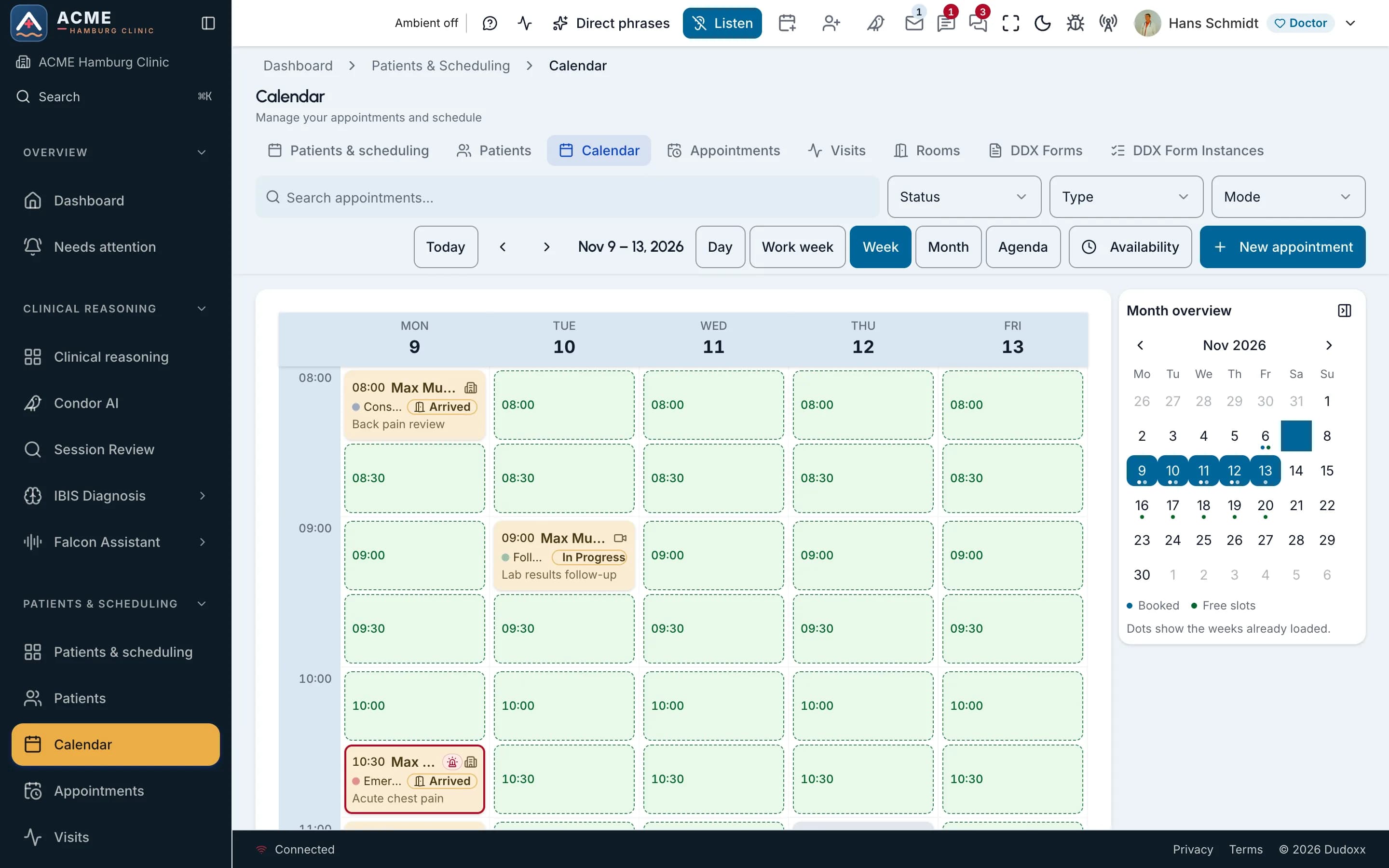
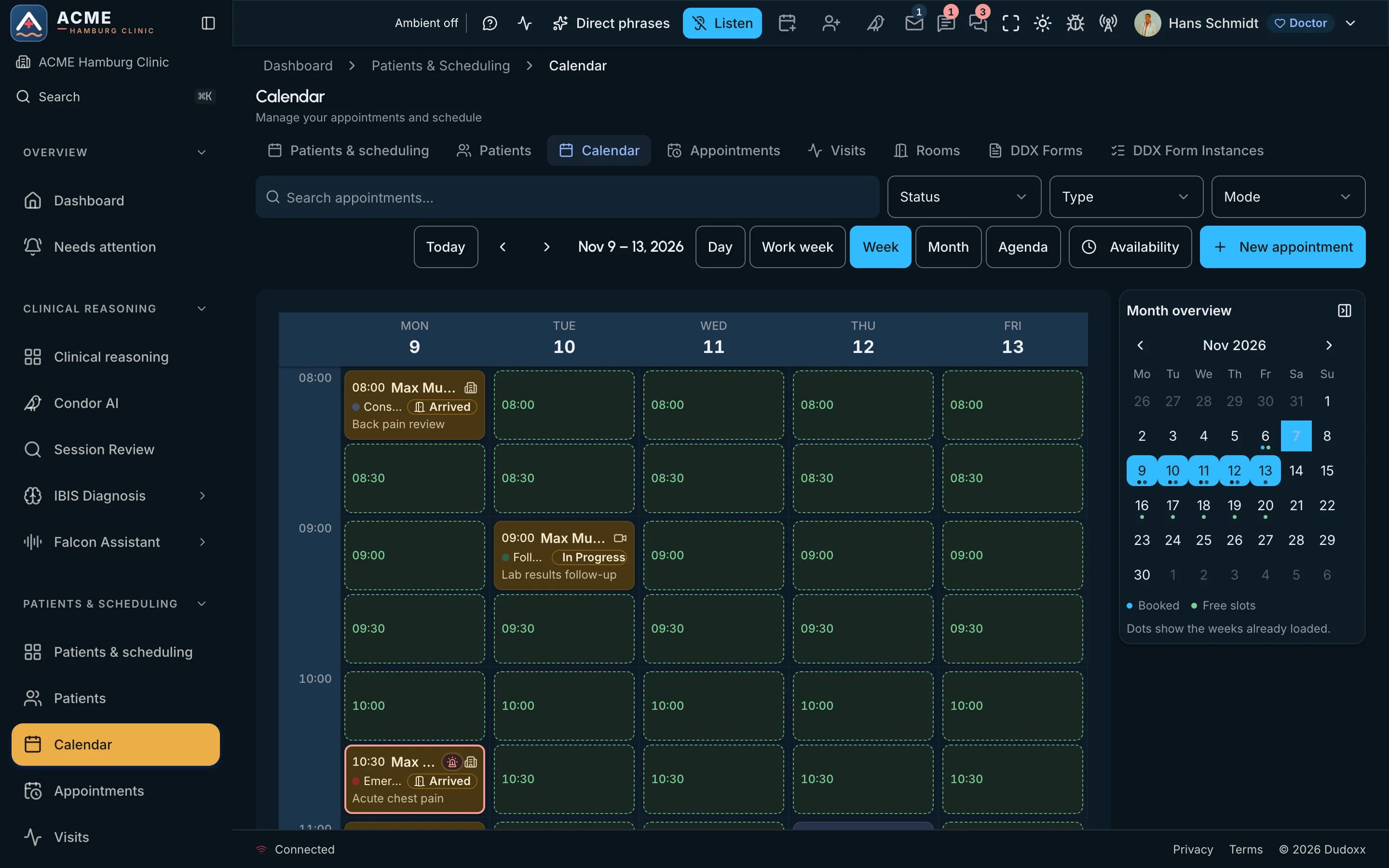
The week calendar of a demo clinic: booked visits with their status beside the free slots.The week calendar of a demo clinic: booked visits with their status beside the free slots.

On the screen

  1. Whole screen
  2. Zoom in
  3. Type
  4. Click
Real screenThe week calendar of a demo clinic: booked visits with their status beside the free slots.

From booking to follow-up

  • Online booking

    Patients book their visit online, and the booking lands in the same workspace as their record.

  • Reminders and follow-up

    The platform sends patients messages before the visit and after it, for the follow-up the doctor asked for.

  • Check-in and forms

    Forms are sent before the visit and answered through a secure guest link, with no app to install.

The front desk on screen

  1. The week calendar of a demo clinic: booked visits with their status beside the free slots.The week calendar of a demo clinic: booked visits with their status beside the free slots.

    On the screen

    1. Whole screen
    2. Zoom in
    3. Move across
    Real screenThe week calendar of a demo clinic: booked visits with their status beside the free slots.

    Waitlist and no-shows

    A waiting list sits next to the calendar, so reception sees who could take a slot that opens.

  1. Rooms and waiting room

    Reception sees which consultation room a patient goes to and when it frees up.

How it fits into the platform

The patient portal: what a patient can do, signed in, on any screen One patient portal, signed in and limited to the patient's own records and own clinic, opens eight areas: book and pay appointments, fill in and sign forms before arrival, read the health record and documents, message the own care team, see invoices and request refunds, join a video visit, ask the support assistant how the portal works, and the Falcon helper, a non-medical assistant that is off by default. Emergency or medical questions to either assistant get a fixed reply with the emergency number and no AI runs. Patient portal one sign-in, any screen own records, own clinic en · de · es · fr bottom bar on phones WHAT THE PATIENT CAN DO · SIGNED IN, OWN CLINIC ONLY Book and pay three-step booking pay online where enabled Forms before arrival fill in · review and sign to-do list with due dates Records and documents health record · shared plans own uploads + shared files Messages to the own care team staff of own clinic only Invoices and refunds open balance · receipts refund requests Video visit Join on online visits room opens when needed Support assistant how-do-I answers · 4 langs sources + take-me-there Falcon Falcon helper off by default non-medical · you confirm emergency or medical ask Safety stop · fixed reply, no AI emergency number 112 + contact the clinic; the helpers never give medical advice Every page asks the platform for “my” data: the patient is taken from the sign-in, never from the request. the patient's portal live area off by default safety stop opens stops here

One sign-in opens eight areas of the patient portal, from booking and forms to documents, messages, invoices and the video visit. Emergency and medical questions meet a fixed safety stop.

Open the full diagram (opens in a new tab)

Questions about scheduling

See your front-desk day on one screen

Book a demo and we walk through a morning from the first booking to the last follow-up.